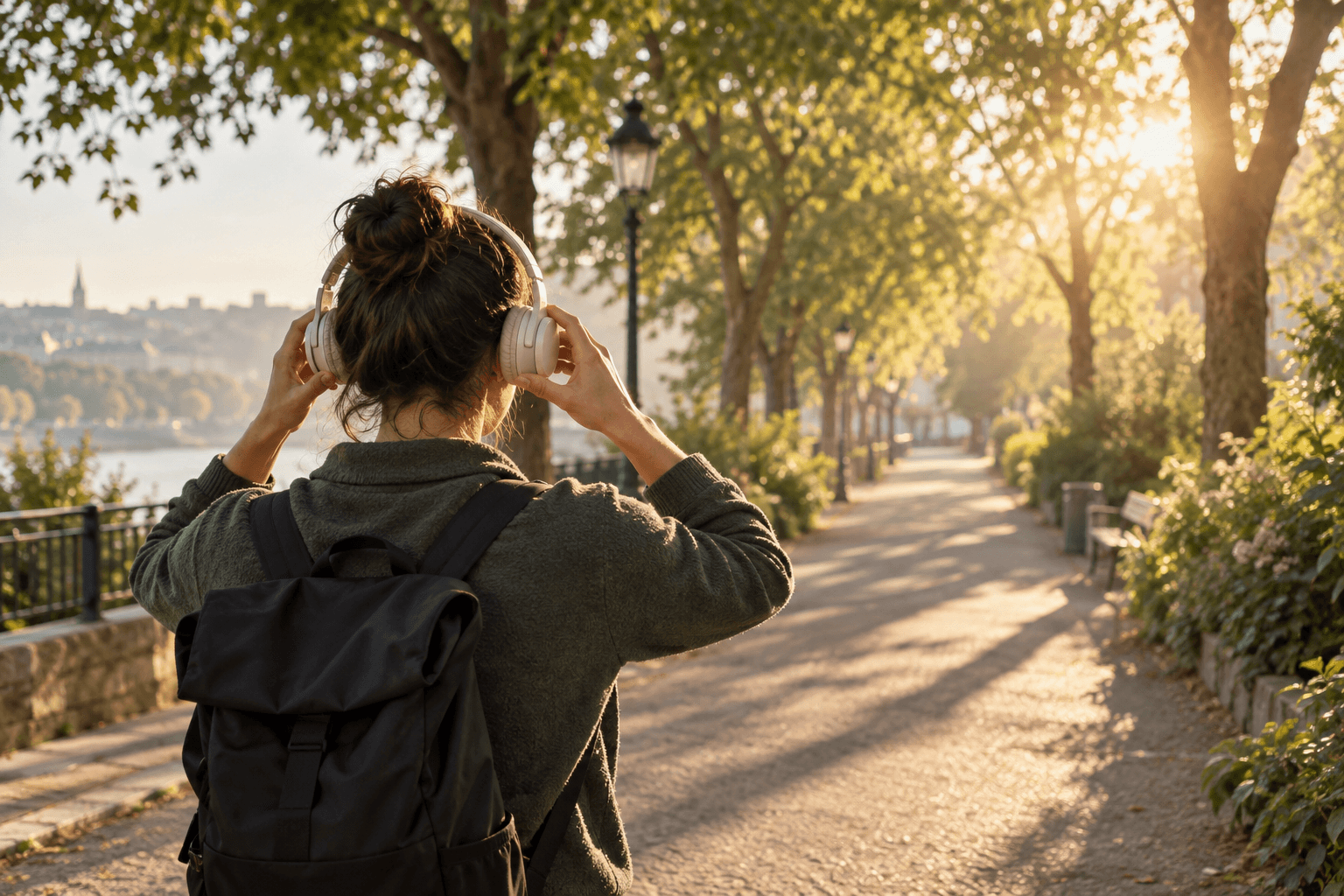
What is a music map? A new way to listen by placing songs on a map
A song can bring a street back to mind. Music maps make that connection visible: choose songs for places, listen along a route and revisit what you heard. Here is how to start.
What is a music map? Give songs a place
Here, a music map means connecting songs, albums or playlists with real places. Music can belong to an area on a map, or several places can form a listening route. Alongside an artist or genre, where you are can become a starting point for finding a song.
Choose a track for a riverside walk or collect songs for a neighborhood you visited. The place gives the music a setting, while the music holds your response to that setting. One song can belong to many places, and one place can hold many songs.
Music maps can take different forms, from marking connections between songs and places to location-based listening in an app. This article uses jeojeo as a practical example; other tools may offer different features.
How does a music map differ from a playlist?
Playlists often organize music by mood, genre or activity. A music map adds location: you can see where music belongs and how different listening spots connect along a route.
The same ten songs could sit in a weekend playlist or be assigned to a station, a side street and a park. A playlist keeps listening together; a map adds interaction with the surroundings. Both approaches can fit into the same listening routine.
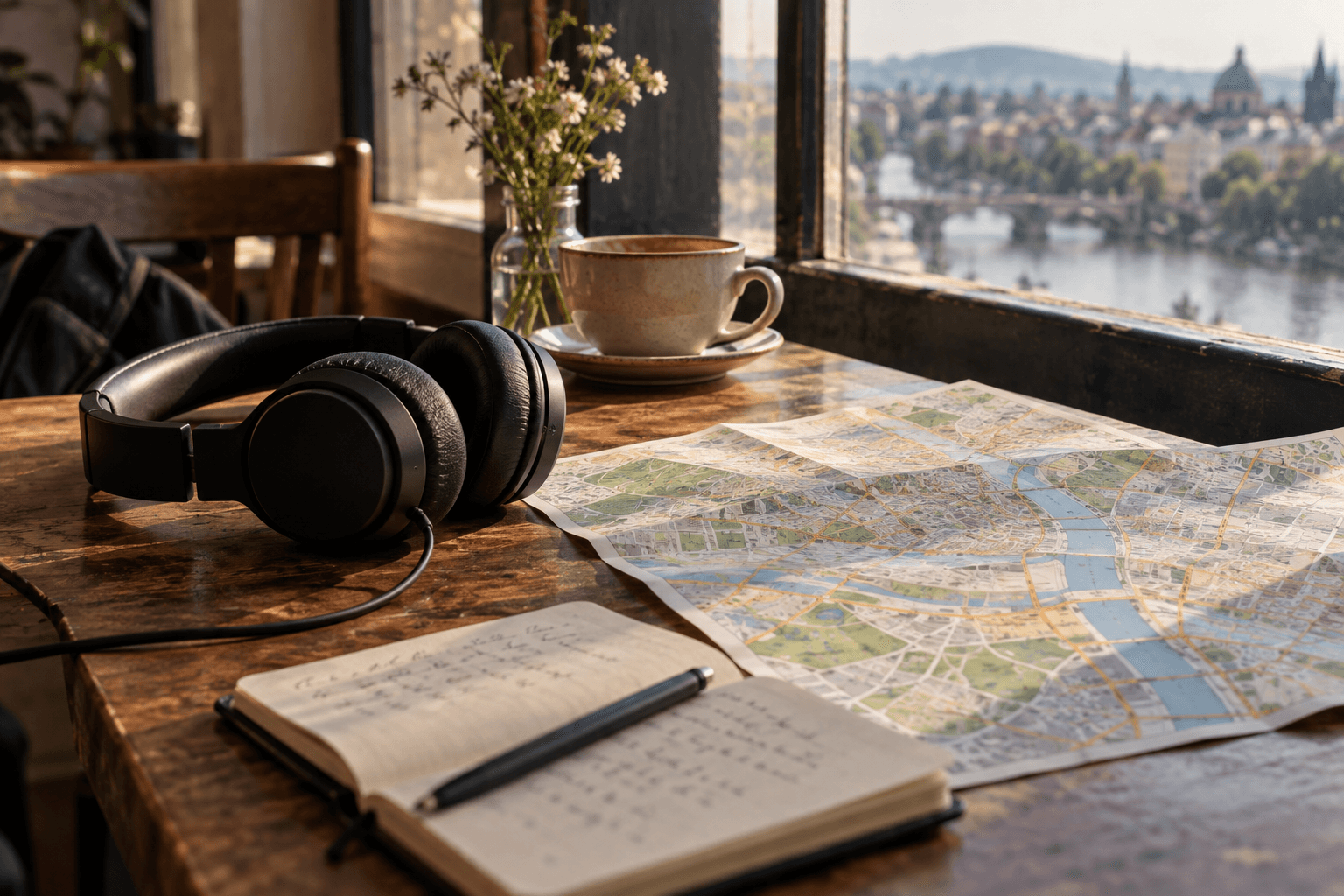
Ideas for walks, trips and everyday routes
City walks: choose a route you enjoy exploring slowly. Place music at a few distinctive areas, matching the scenery or deliberately choosing something unexpected.
Travel memories: connect songs you played on a trip with the places you visited. Revisiting the map gives you both a setting and a soundtrack. Sharing a favorite route can also introduce friends to your version of a city.
Everyday journeys: choose songs for familiar places or share a weekend walk with friends. These are themes to try, not a requirement to travel widely. A short route near home is enough to begin.
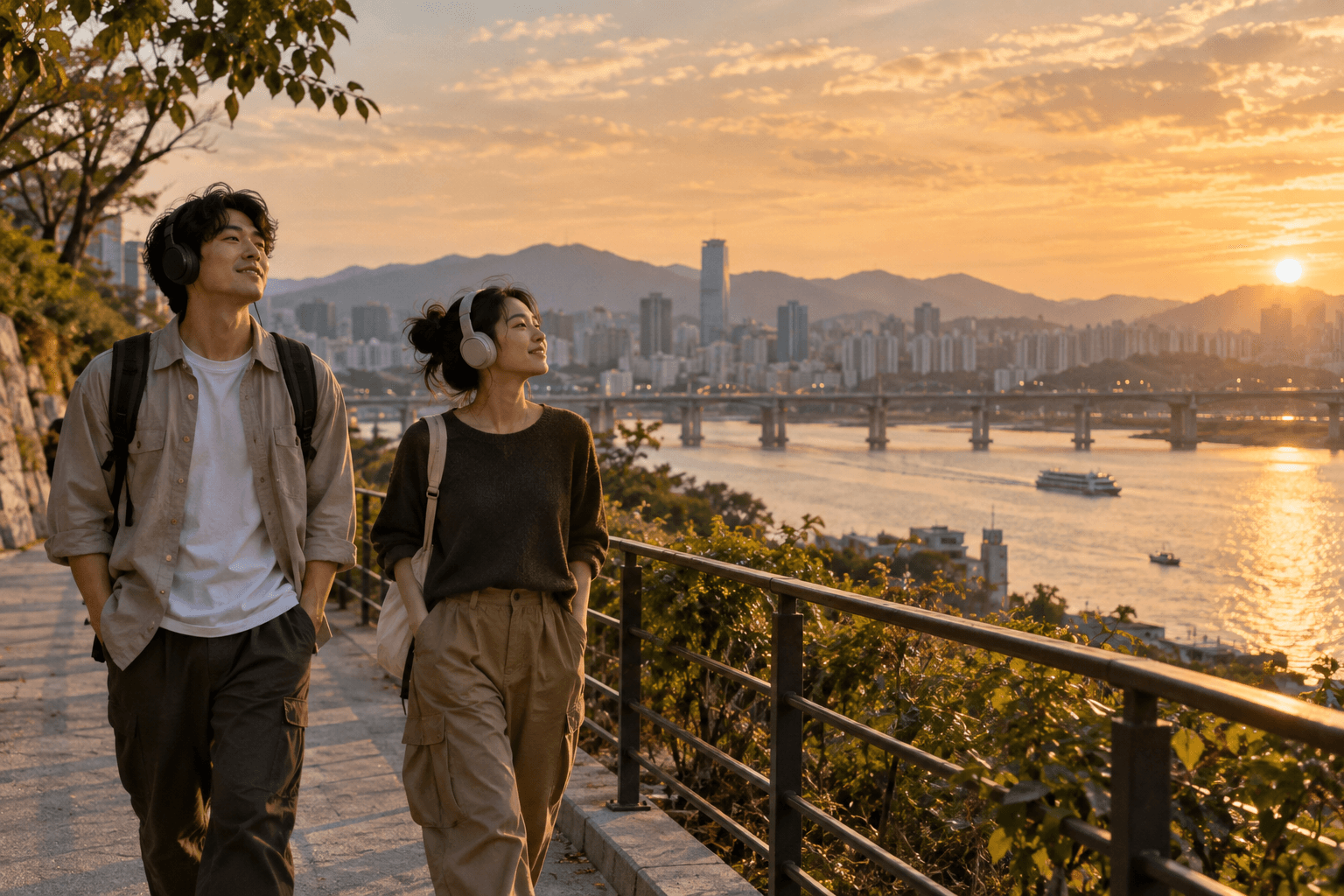
One place can hold different playlists
At the same park, one person may want calm songs and another a brisk walking rhythm. In jeojeo, different playlists can be created for the same place, and listeners choose what fits their tastes or mood.
There does not need to be one correct soundtrack. Start with a clear theme, such as unwinding by the river, and give the playlist a name that conveys it. Other visitors can choose music for their own experience of the place.

Build your first music map with jeojeo
Choose a place. In jeojeo, tap + on the map to draw an area or plan a route using places. A familiar street makes an easy starting point before expanding your map.
Add music. Name the jeo, search for songs, albums or playlists, then save it. Begin with a few selections and refine how they relate to the route.
Try the walk. Explore, save or share playlists you encounter. Music associated with an area can join the playback queue; crossing its boundary does not necessarily interrupt the current song. Later, combine several jeos into your own music map.
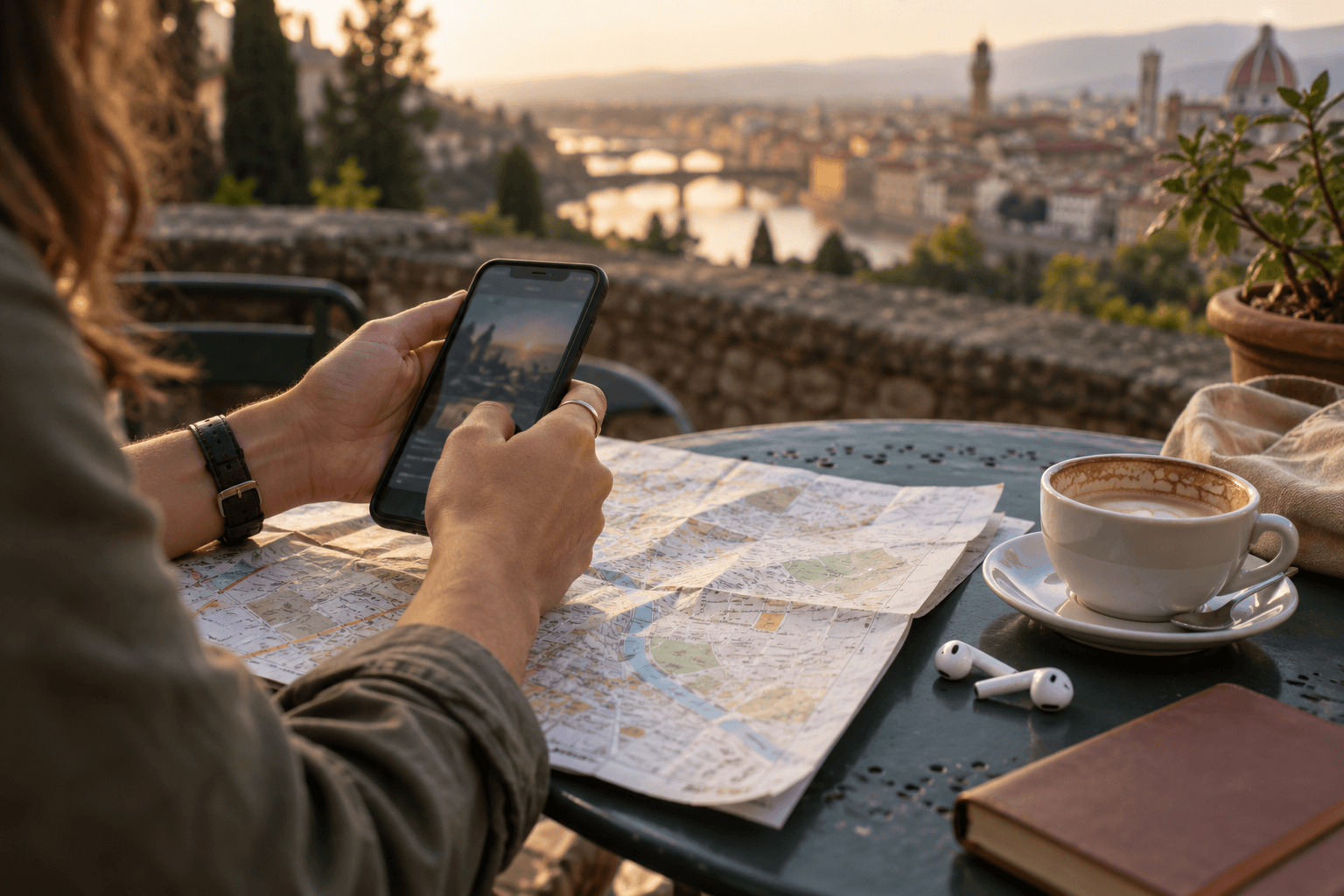
Keep a route as a musical memory
A map can also help you revisit a day. When you listen with jeojeo, the app records your route automatically, and you can choose to save it as a playlist afterward. Lookback connects the places you passed with the music you heard.
An ordinary detour or a walk with friends can matter as much as a trip abroad. Lookback is private by default. If you share it, recipients see the route and music you share, so choose the parts of your day you want to pass along.
Common questions and download links
Do you need a large playlist? No. Choose one meaningful place and a few songs you would enjoy hearing again. Let the map grow with your routines.
Do you need a music-service account? With jeojeo, you can browse first; playing songs requires a Spotify connection. Playback eligibility depends on the music service and account plan. Location discovery and playback also need appropriate location access and an internet connection.
Use the official downloads below or read the full jeojeo guide. Start with one place you will visit today and a song you would like to hear there.